Companies & Bank Details
Set up your company profiles and bank details.
Explore the tools that bring customers, quotations, orders, invoices and payments together.
From your first customer record to your next invoice, keep the wider workflow connected.
Set up your company profiles and bank details.
Keep customer information, contacts and communication history together.
Create professional quotes and convert accepted work into orders or invoices.
Manage confirmed work and convert orders into invoices.
Apply taxes and discounts, and follow outstanding balances.
Record customer payments and match them against invoices.
Maintain the items you quote and invoice.
Manage adjustments linked to invoices.
Manage repeating invoice schedules.
Review business activity and balances.
Preview and select available document designs.
Keep business documents organised.
Track support requests in one place.
Configure currency, time zone and business defaults.
Prepare quotations with customer details, line items and pricing, then carry the information through your sales workflow.
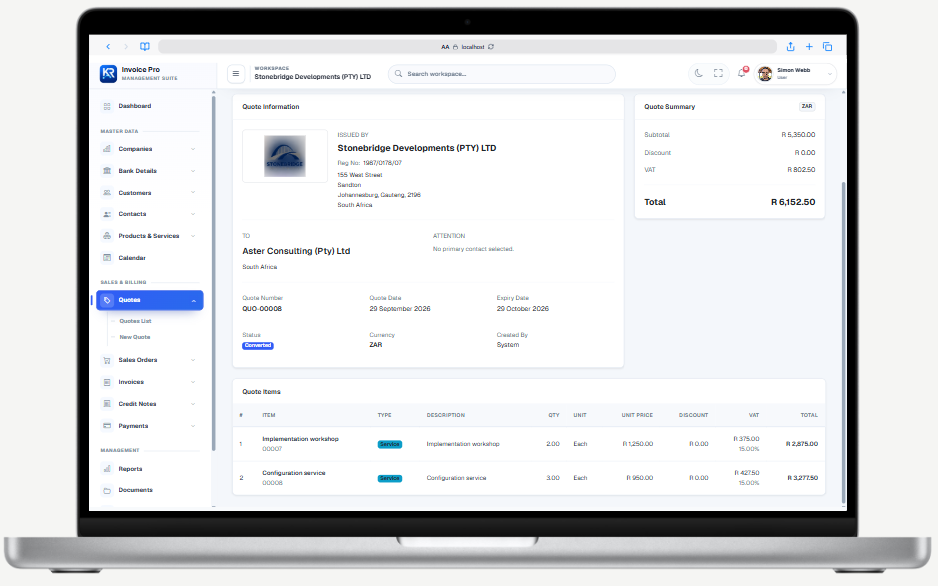
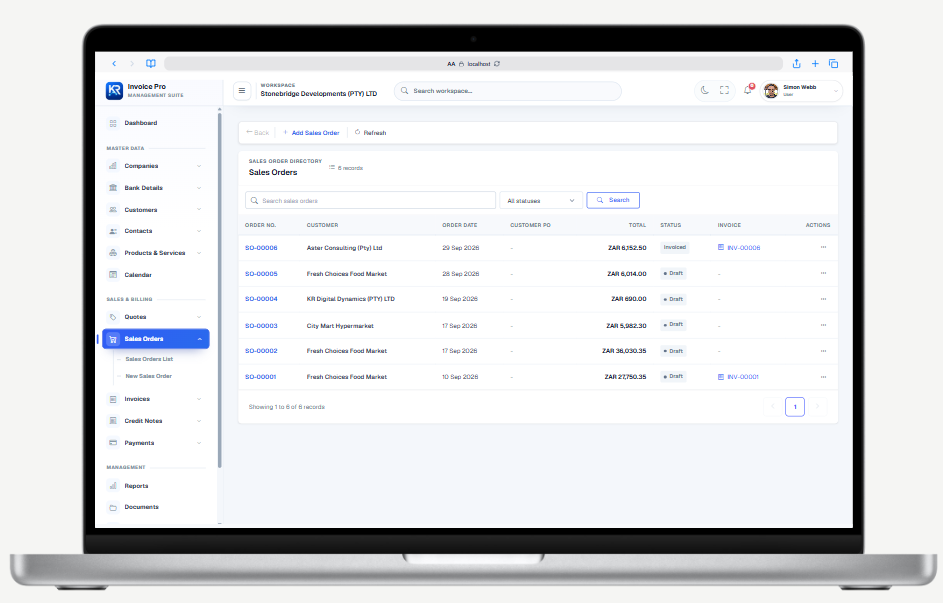
Bring accepted quotations into sales orders and keep customer information, items and order status together.
Create invoices that clearly present your business, customer details and amounts due.
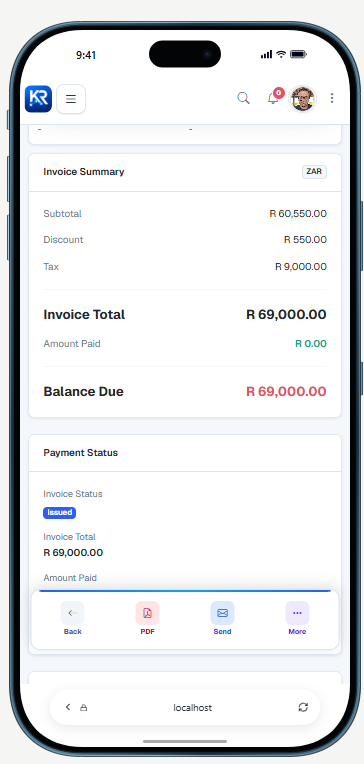
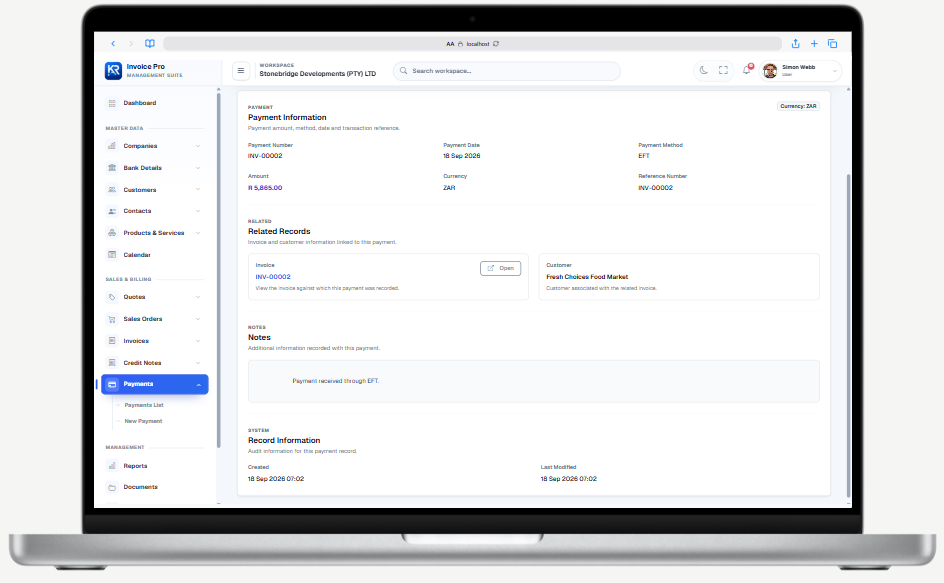
Record customer payments and connect them to the right invoice.
Compare available designs and preview the document before generating it.
Explore document templates