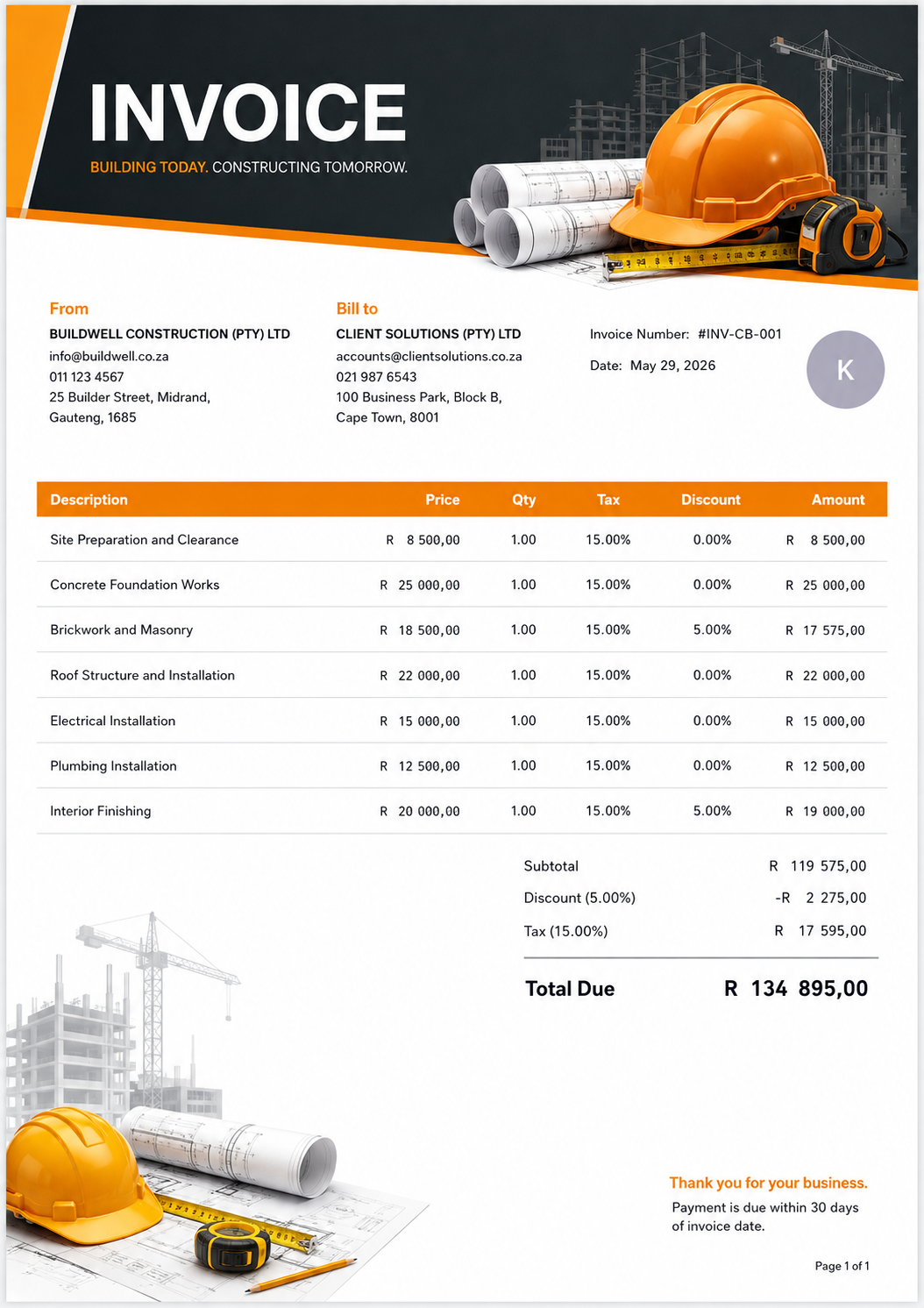
Construction Build
A bold orange layout with construction imagery.
Explore document designs for a consistent, professional customer experience—from the first quotation to the final payment record.
Select a design to compare it in the desktop preview.
The supplied samples show invoices. In the app, select a template available for your document type and preview it before generating.
Choose a presentation that reflects your business.
A bold orange layout with construction imagery.
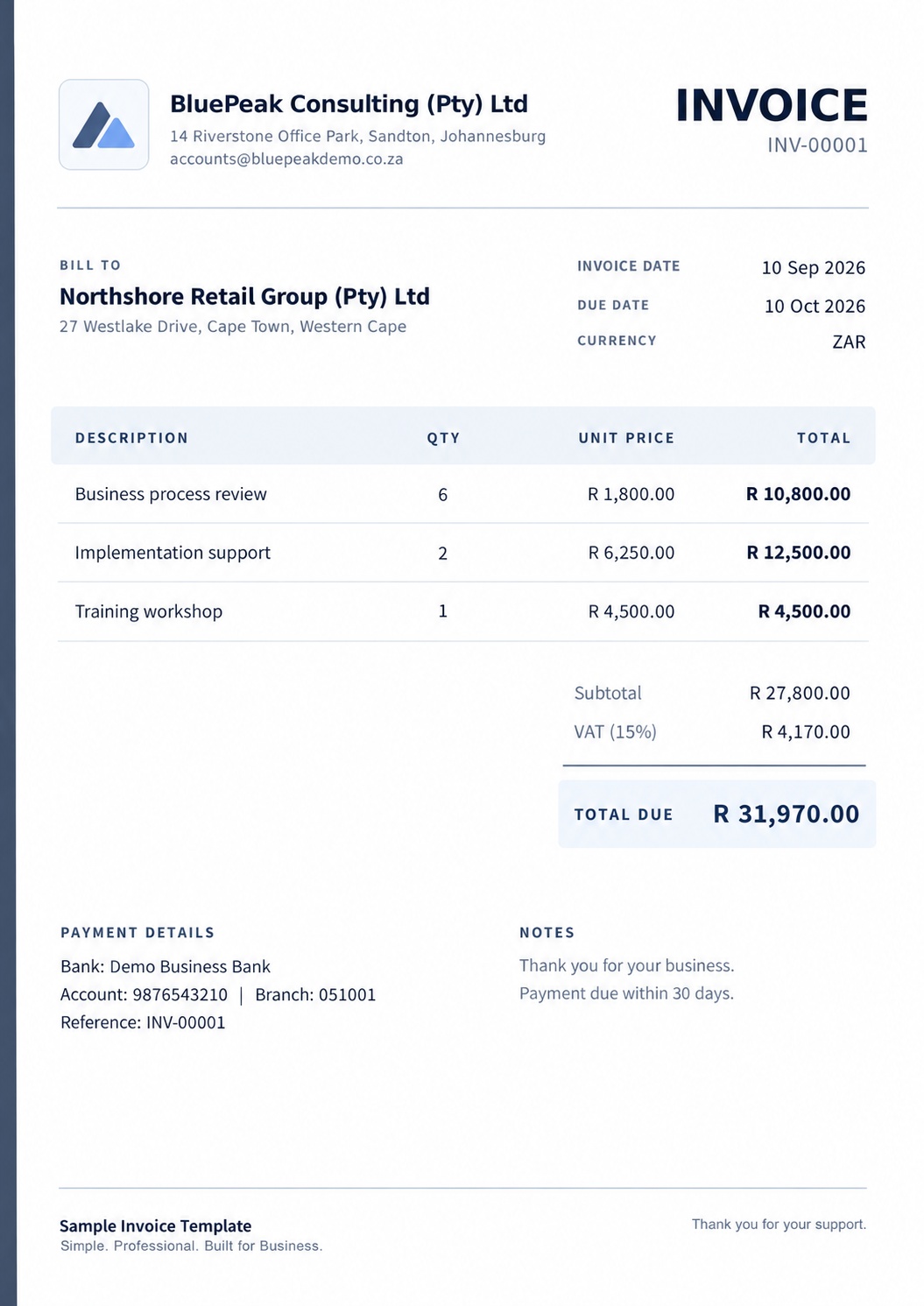
A spacious layout with a clear financial summary.
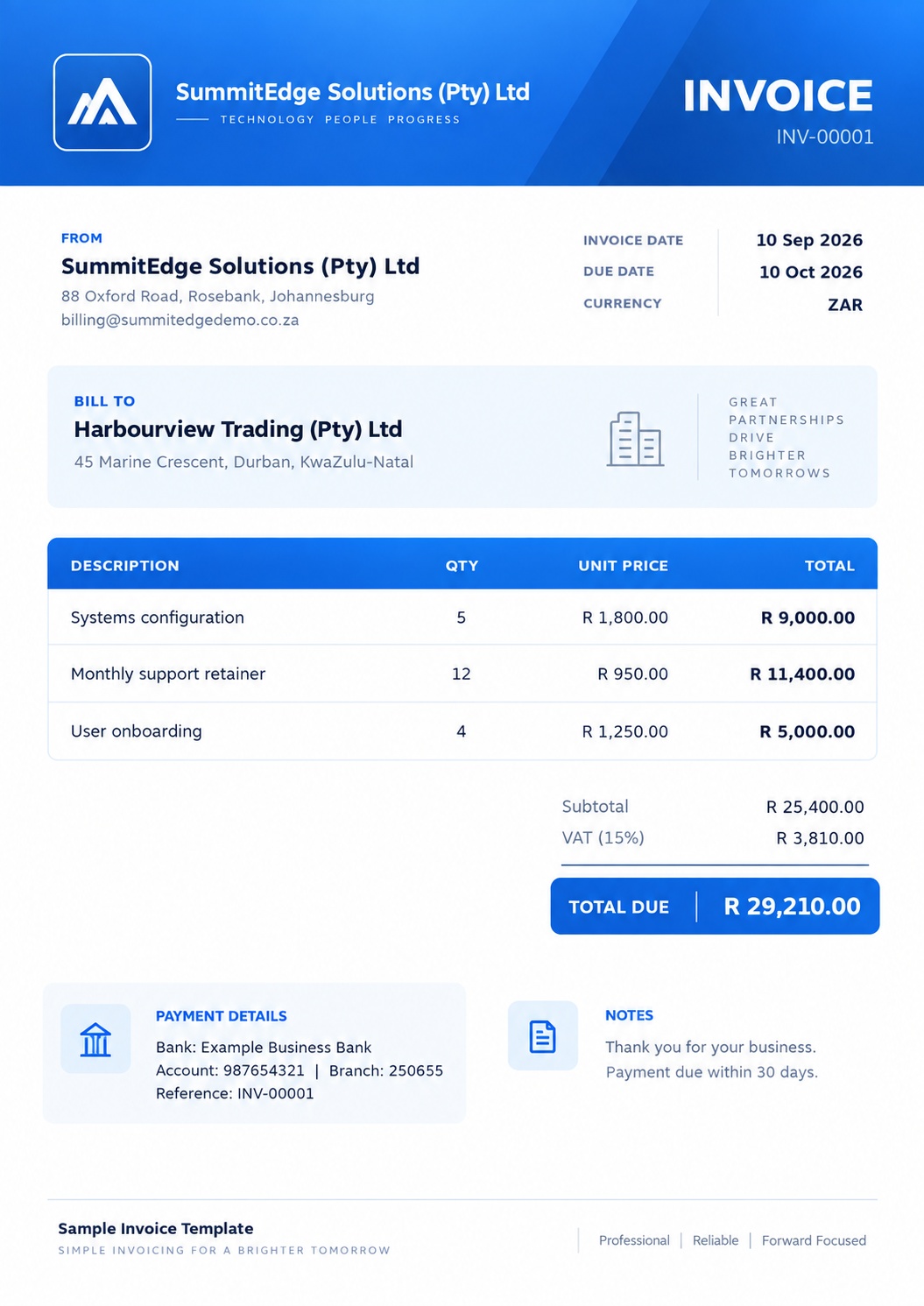
A strong blue identity and structured detail panels.
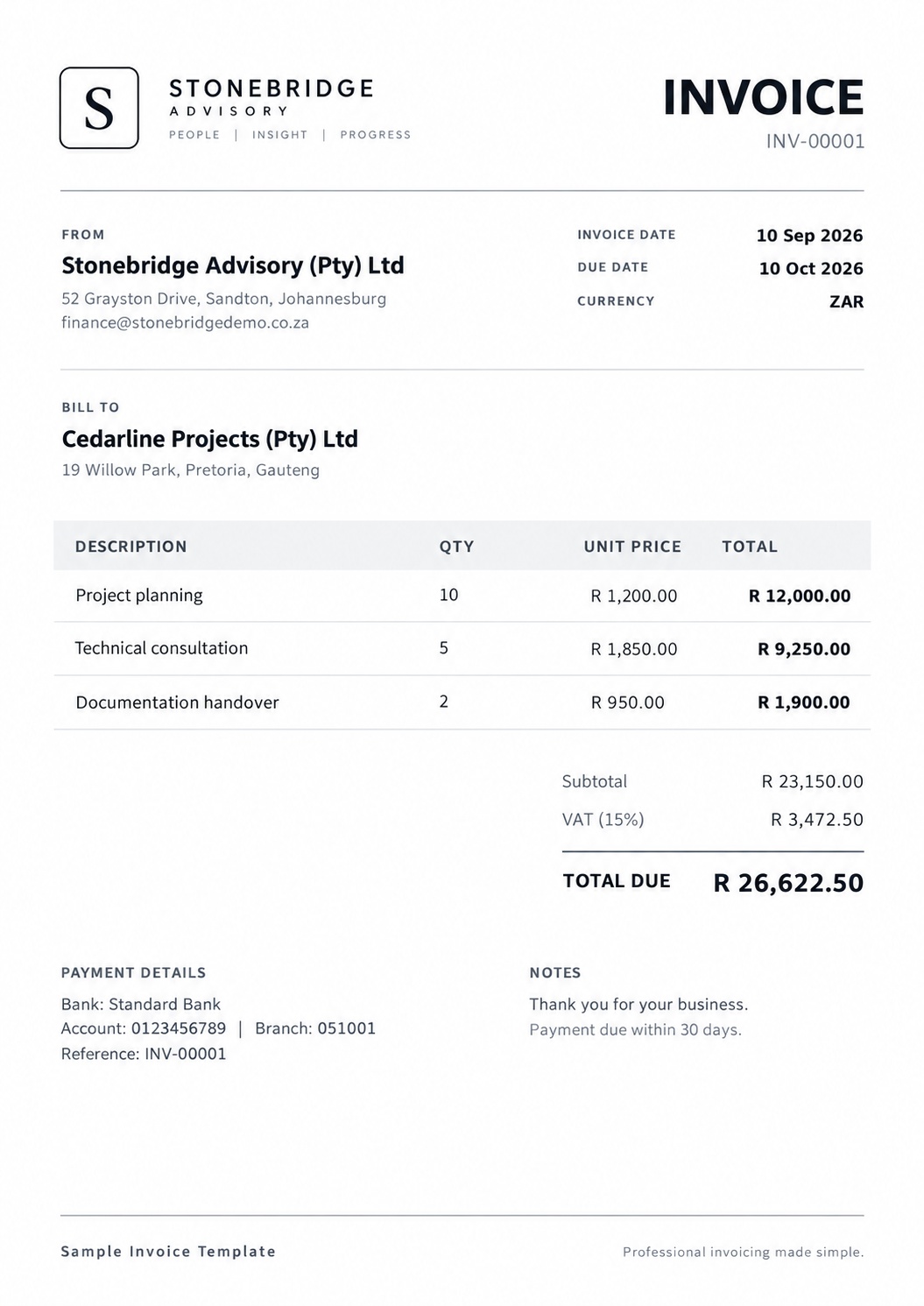
A simple monochrome layout focused on readability.
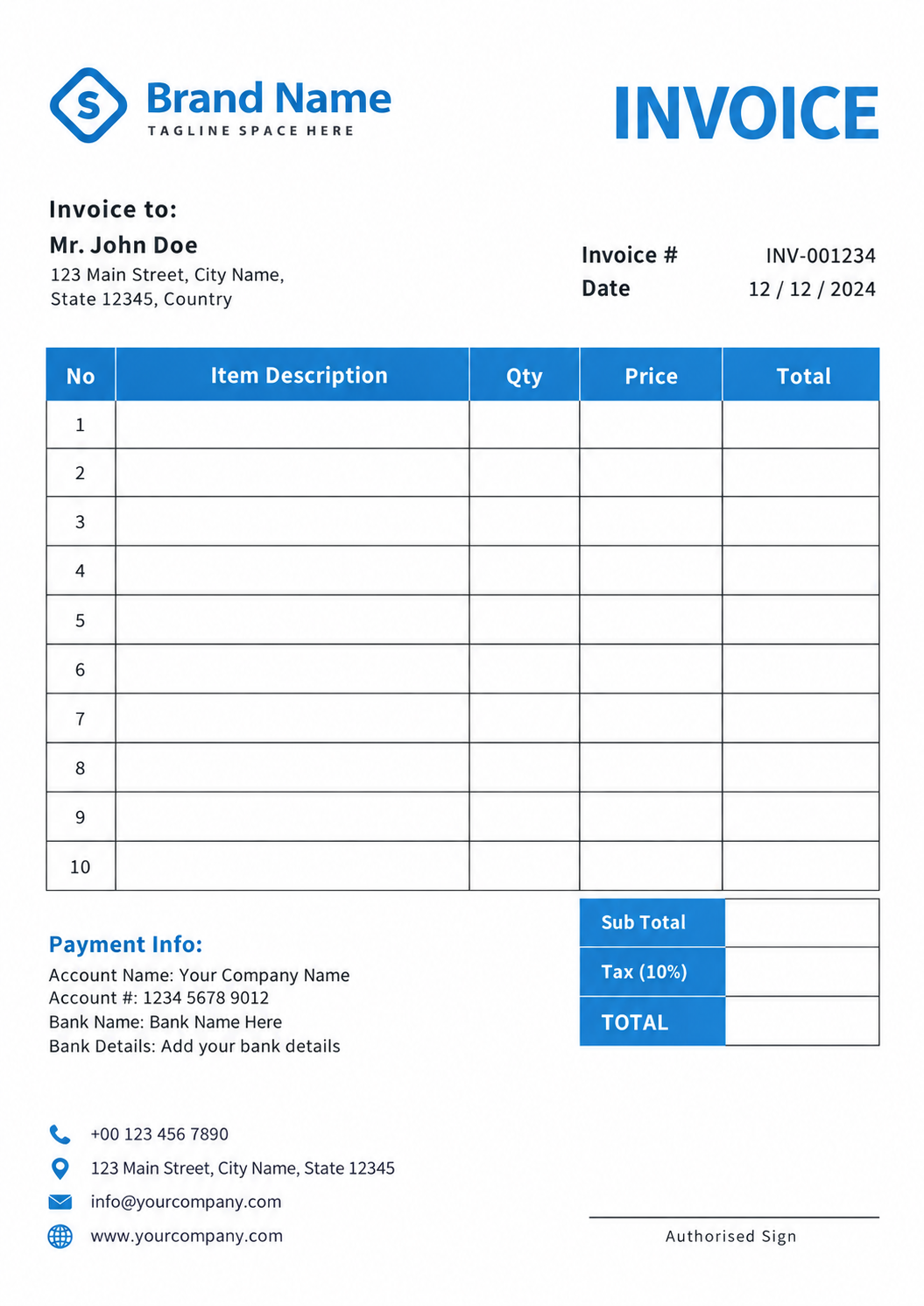
A blue table-based design for a structured presentation.
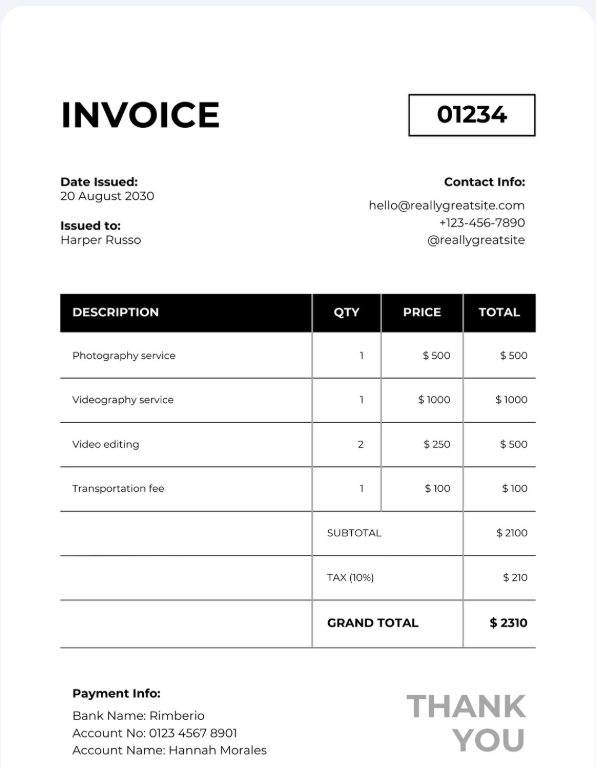
A compact black-and-white layout with a minimal finish.
Review your proposal, customer details, items and quoted amounts.
Check confirmed items, references and order totals.
Review VAT, discounts and payment information.
Check the amount, date and related invoice.
Review adjustments and amounts linked to the invoice.
Choose an available layout for the document you are preparing.
Review your company identity, customer information, items and totals.
Generate the output, then download, print or share it.
Yes. Select an available template and review the preview before generating your document.
No. Sample images demonstrate layout. Your document uses its own customer details, items, currency, tax settings and amounts.
Choose from designs available for the selected document type in the app. Templates marked Coming soon cannot be selected yet.